
Payment Options Detail - Transworld Home - Best internet in Pakistan

Pay Your Bills Online!

Direct Pay

To pay your bill via 1-Link-enabled Internet banking use the following steps:

  1. Sign-in to your bank’s internet banking.
  2. Select ‘Payments’.
  3. Select ‘Bill Payee Type’ as ‘1 Bill’.
  4. Select ‘Bill Payee Name’ as ‘Voucher / Invoice Payment’.
  5. Click ‘Pay Bill’.
  6. Enter voucher Number as ‘100089’ followed by customer ID.
  7. Click ‘Next’.
  8. Verify the payment details.
  9. Accept terms and conditions.
  10. Click ‘Confirm’.
  11. Enter verification OTP and click ‘Submit’.

To pay via 1-Link enabled bank branches/TCS Express Center use the following steps:

  1. Visit the nearest branch of any 1-Link-enabled bank/TCS Express Centre.
  2. Show the copy of the Bill with the payment reference number (Customer ID).
  3. Enter the prefix as ‘100089’ followed by your ‘Customer ID’
  4. Pay cash to the representative.
  5. Confirm the payment and get confirmation receipt.

Pay your bills using Kuickpay! – Click Here.

Kuickpay enabled banks:

  • TCS
  • MCB
  • Meezan Bank
  • Askari Bank
  • Bank Alfalah
  • Faysal Bank
  • HMB
  • BOP
  • Soneri Bank
  • JS Bank
  • Summit Bank
  • Bank Islami,
  • MCB Islamic Bank,
  • Samba Bank
  • Dubai Islamic Bank
  • Bank Al Habib
  • Keenu Wallet,
  • UBL
  • National Bank
  • NRSP

Please make sure you put 83700 as a prefix to your Consumer ID.

Click here to pay your bill through Visa/Master Debit & Credit Cards.

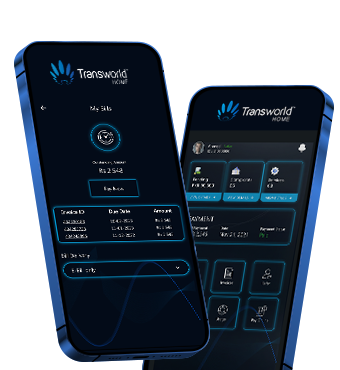
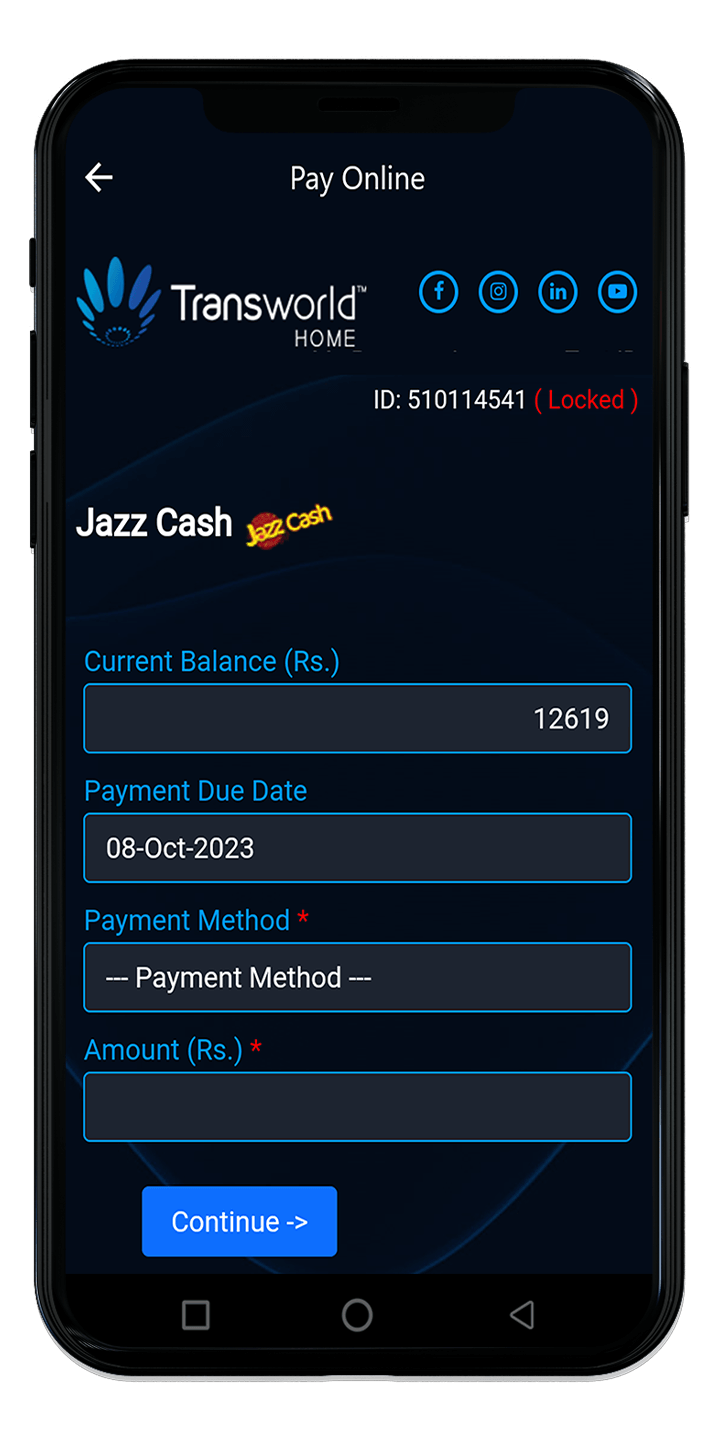
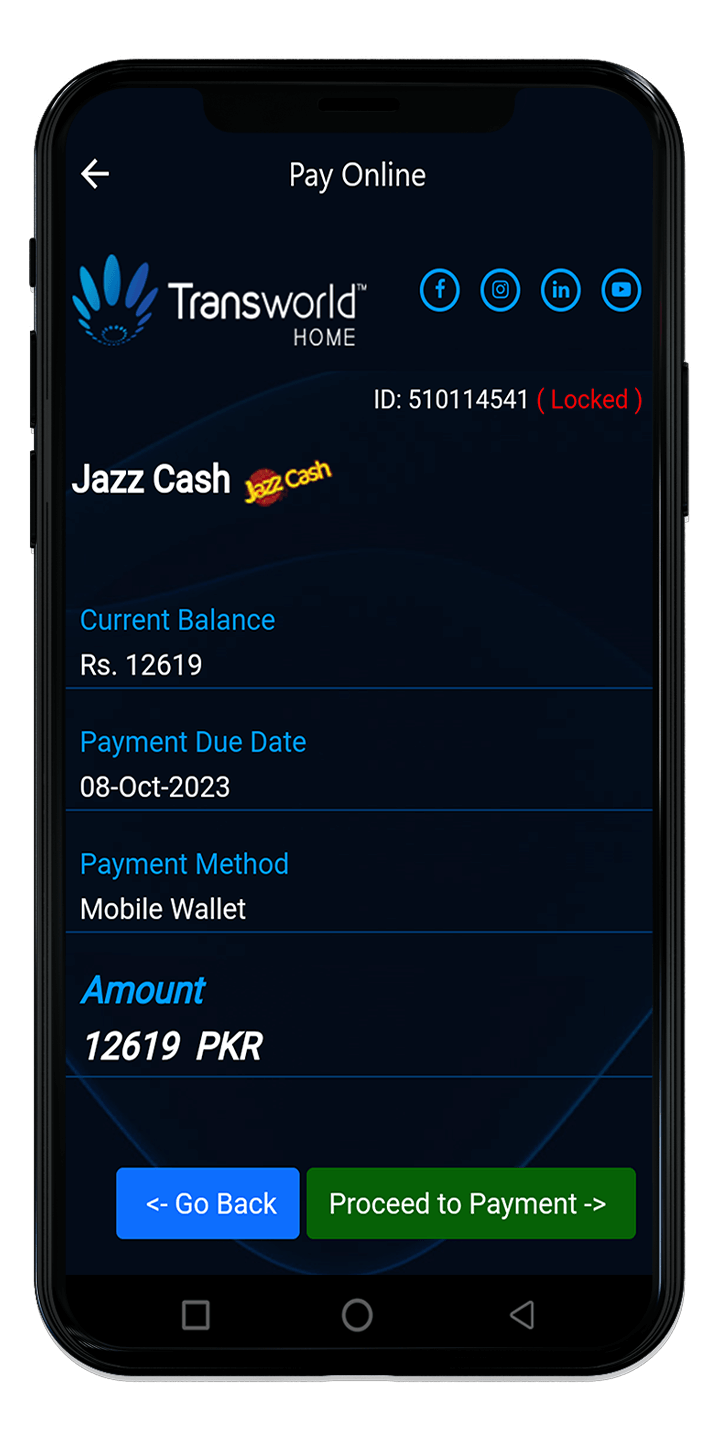
My Transworld App​


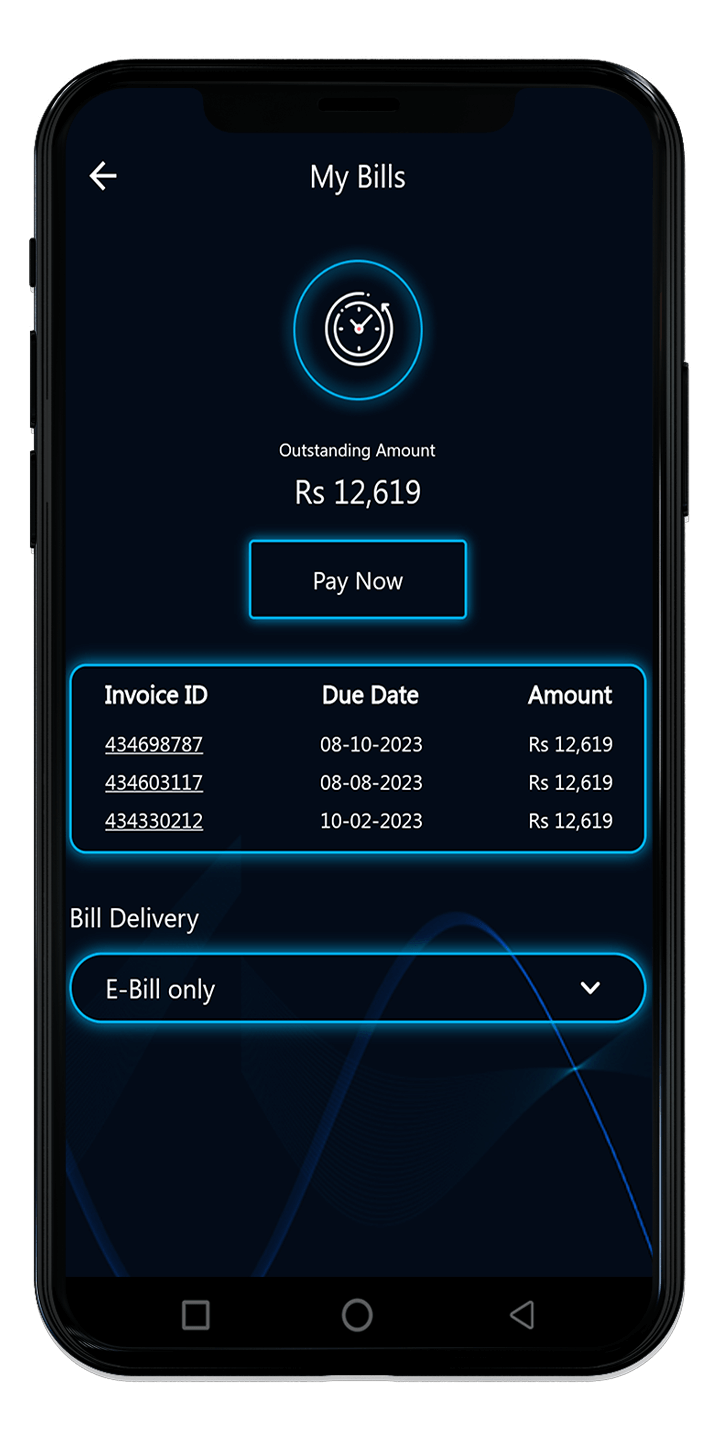
Login to your  AccountSelect “My Bills”
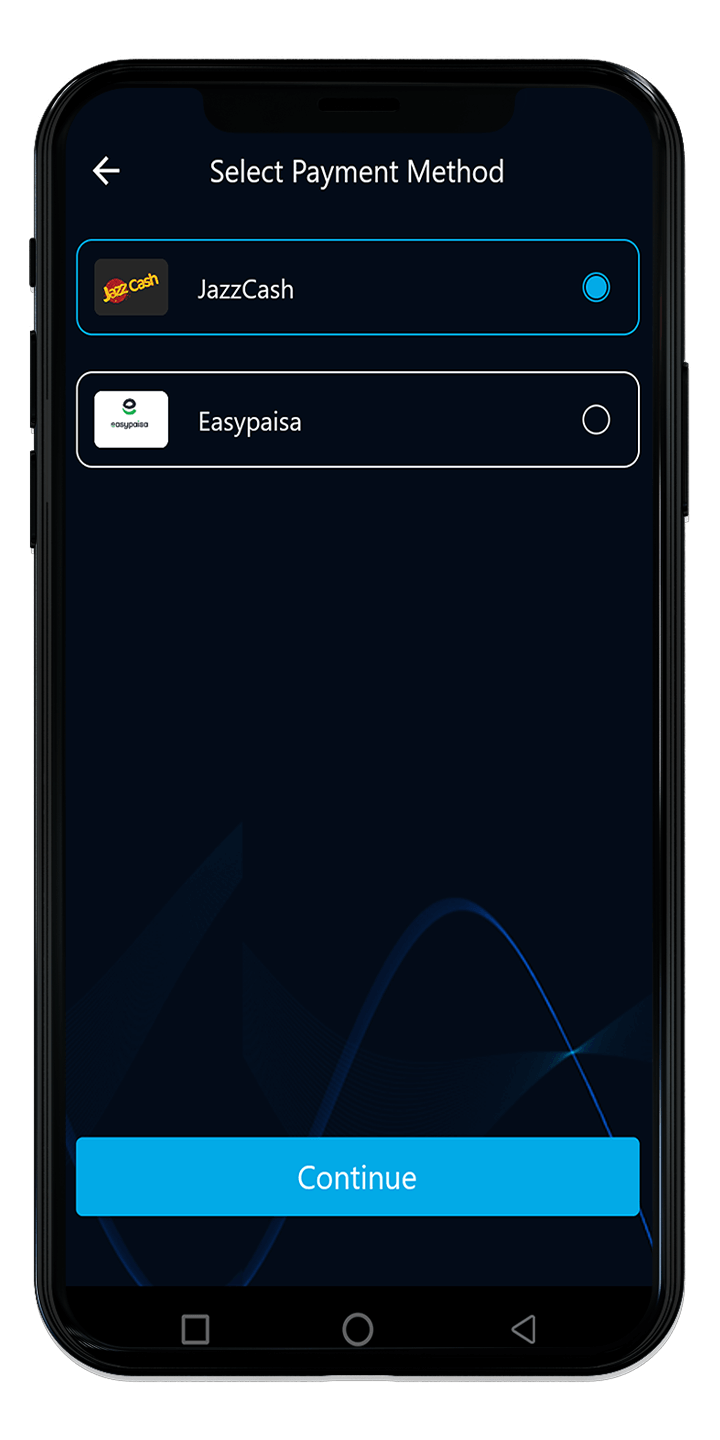
Select “Payment Method”Insert “Amount”
Click “Proceed to Payment” 
 

Click here to pay through the Self-Care Space

Download My Transworld App

Mobile Apps

Pay your bill through Bank Alfalah!

1. Alfa Wallet
2. Debit/Credit Card
3. Bank Alfalah Account

Click here & and follow these easy steps to pay!

Checkout

  • After the selection of CC/DC payment option of Alfa payment gateway below screen will appear after redirection. Enter your card details.

OTP Processing & Successful transaction

  1. After Providing CC/DC details the page will be redirected to the next screen for OTP provision.
  2. Enter the OTP received on your registered email address/mobile number.
  3. Once OTP is entered a successful payment pop-up will appear on the screen as a confirmation of your payment.

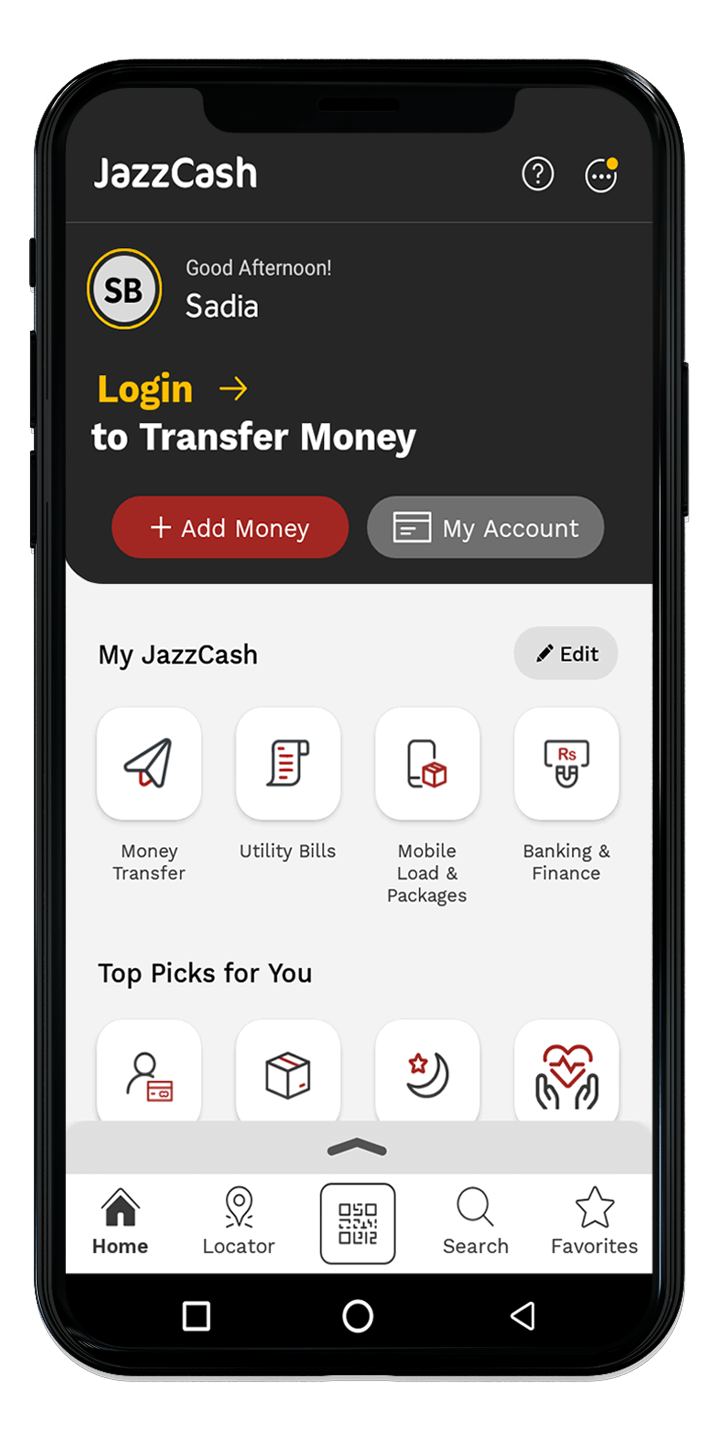
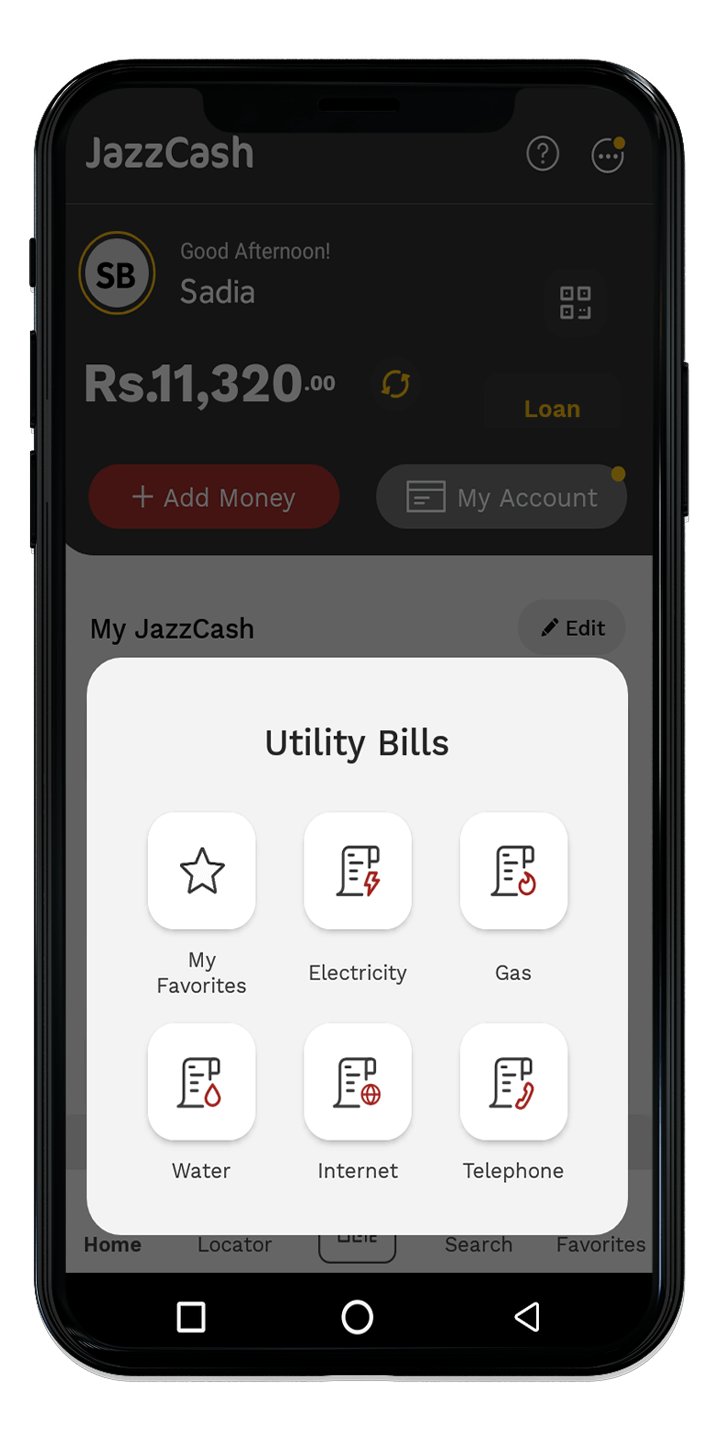
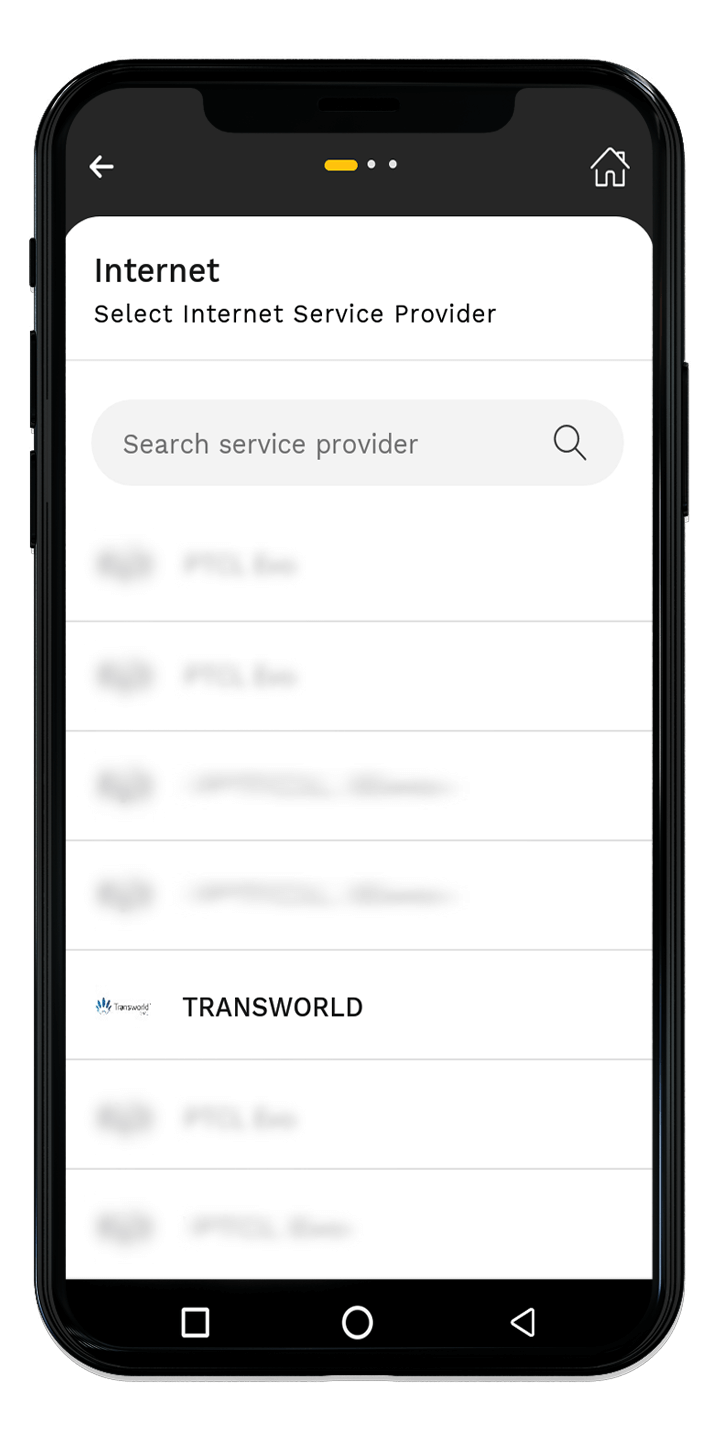
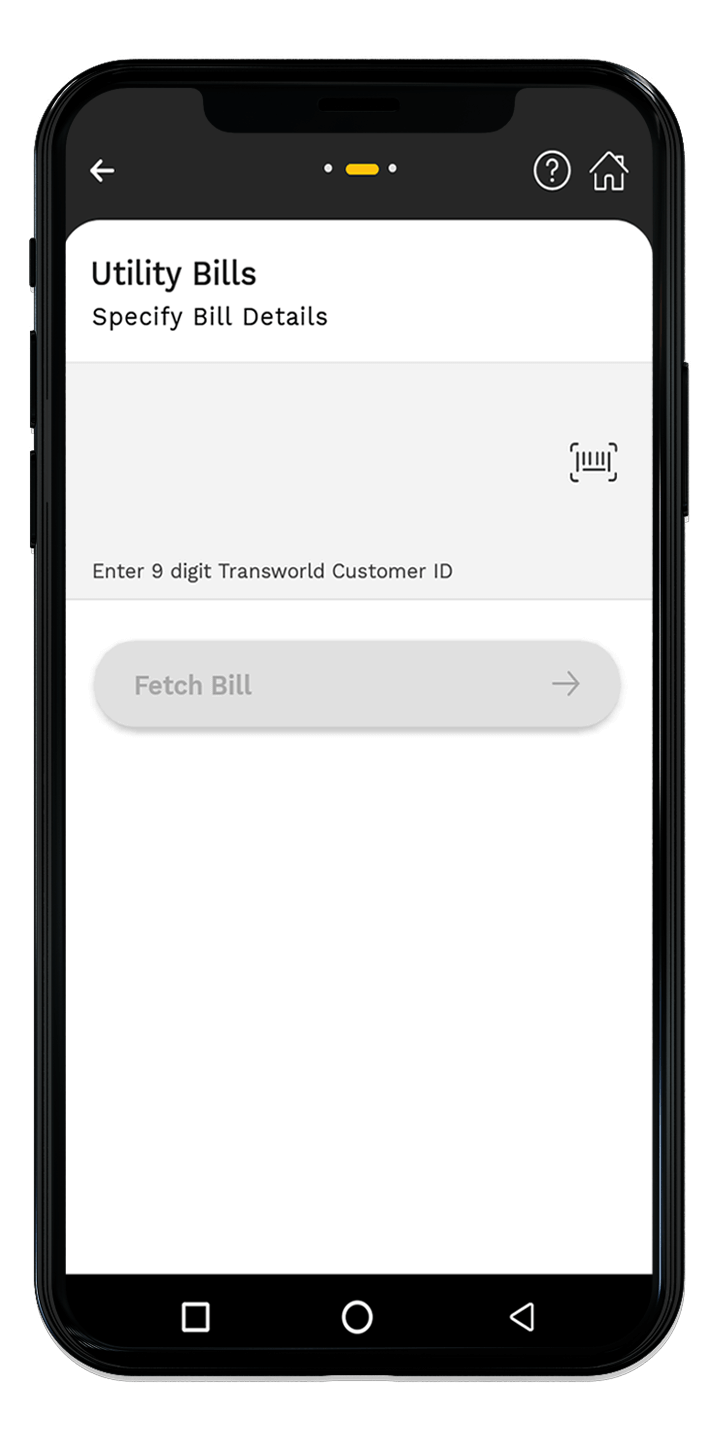
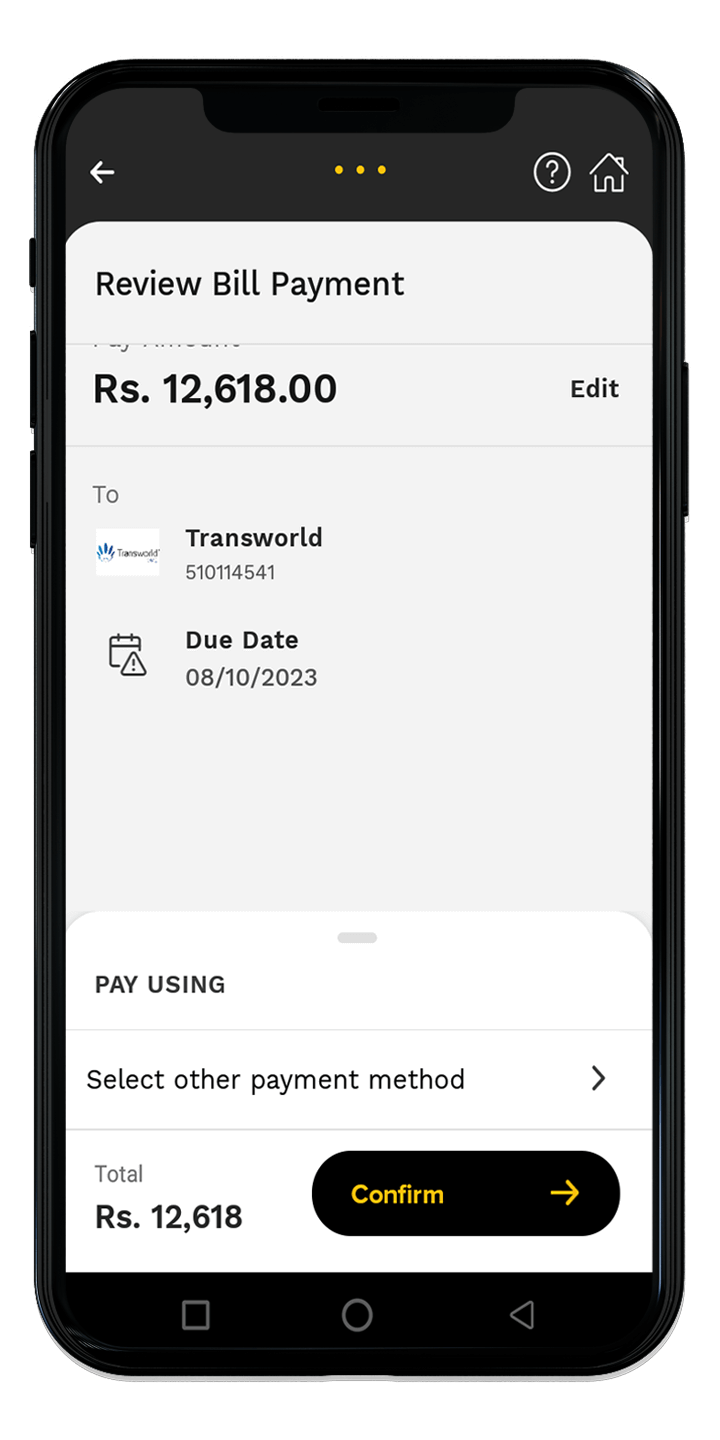
To pay your bill using JazzCash Mobile App follow the below steps:

Login to your JazzCash accountSelect “Utility Bills”
Select “Internet”Select “Transworld Home”
Enter “Customer ID”Click on Confirm

Mobile Wallet Account


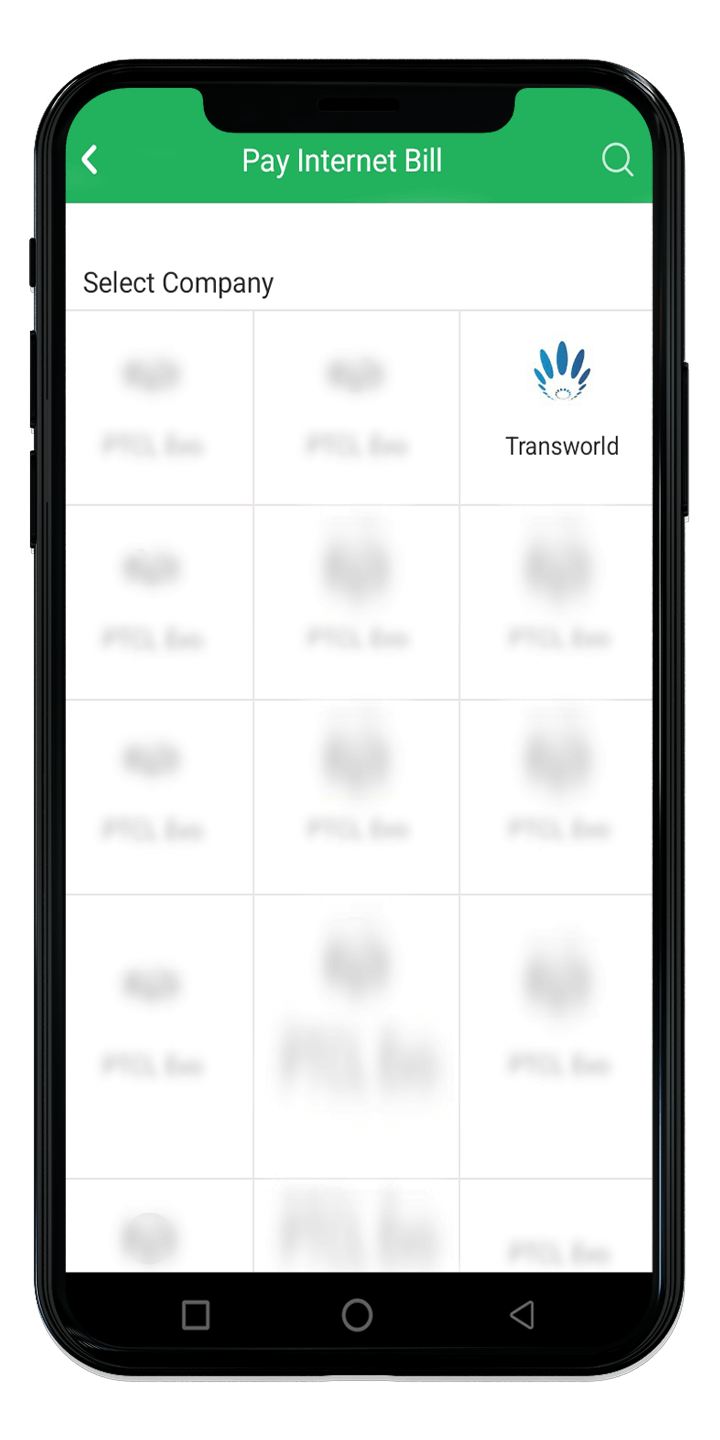
To pay your bill using Easypaisa Mobile App follow the below steps:

Login to your Easypaisa accountSelect “Bill Payment”
Select “Internet”Select “Transworld Home”
Enter “Customer ID”Click on Pay Now

Mobile Wallet Account


To pay your bill using Zindigi Mobile App follow the below steps:
Login to your Zindigi accountTap on Payments
Select Utility Bills & FeesFrom the Category dropdown, choose Internet
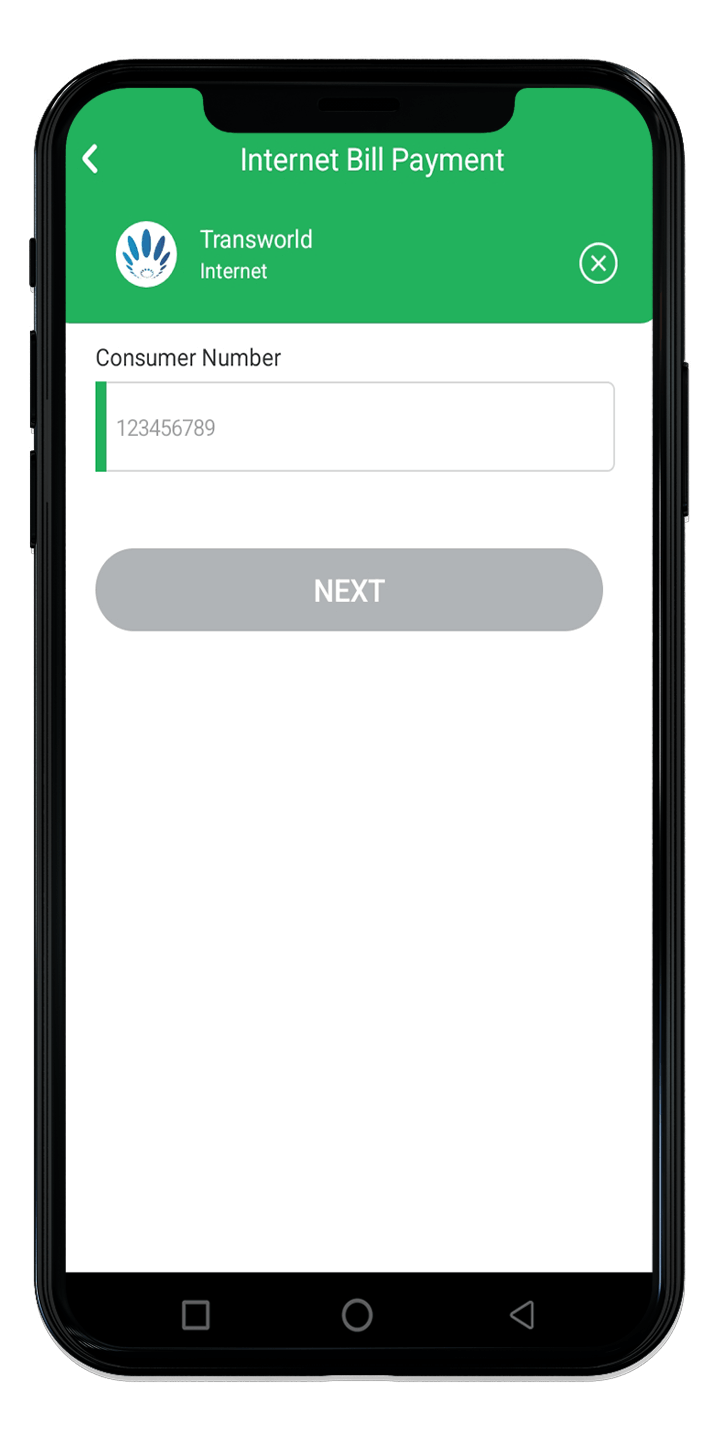
In the Company section, select TransworldEnter your Consumer Number
Enter the Amount to be paidEnter your Name, then tap Next
A Review Details screen will appear

Mobile Wallet Account

To pay your bill using HBL Internet Banking/Mobile App/ HBL Konnect follow the steps below:

  1. Login to your HBL Mobile / Internet/Konnect App.
  2. Click “More”
  3. Click “Internet”
  4. Click “Add New”
  5. Select “Company” as “Transworld Enterprise Service”
  6. Enter your “Consumer ID”
  7. Enter the “OTP”
  8. Select next and “Pay”

Click Here to pay!

Mobile Wallet Account


My Transworld App

Manage your services, subscription & bills through My Transworld App.

screen
Order Now